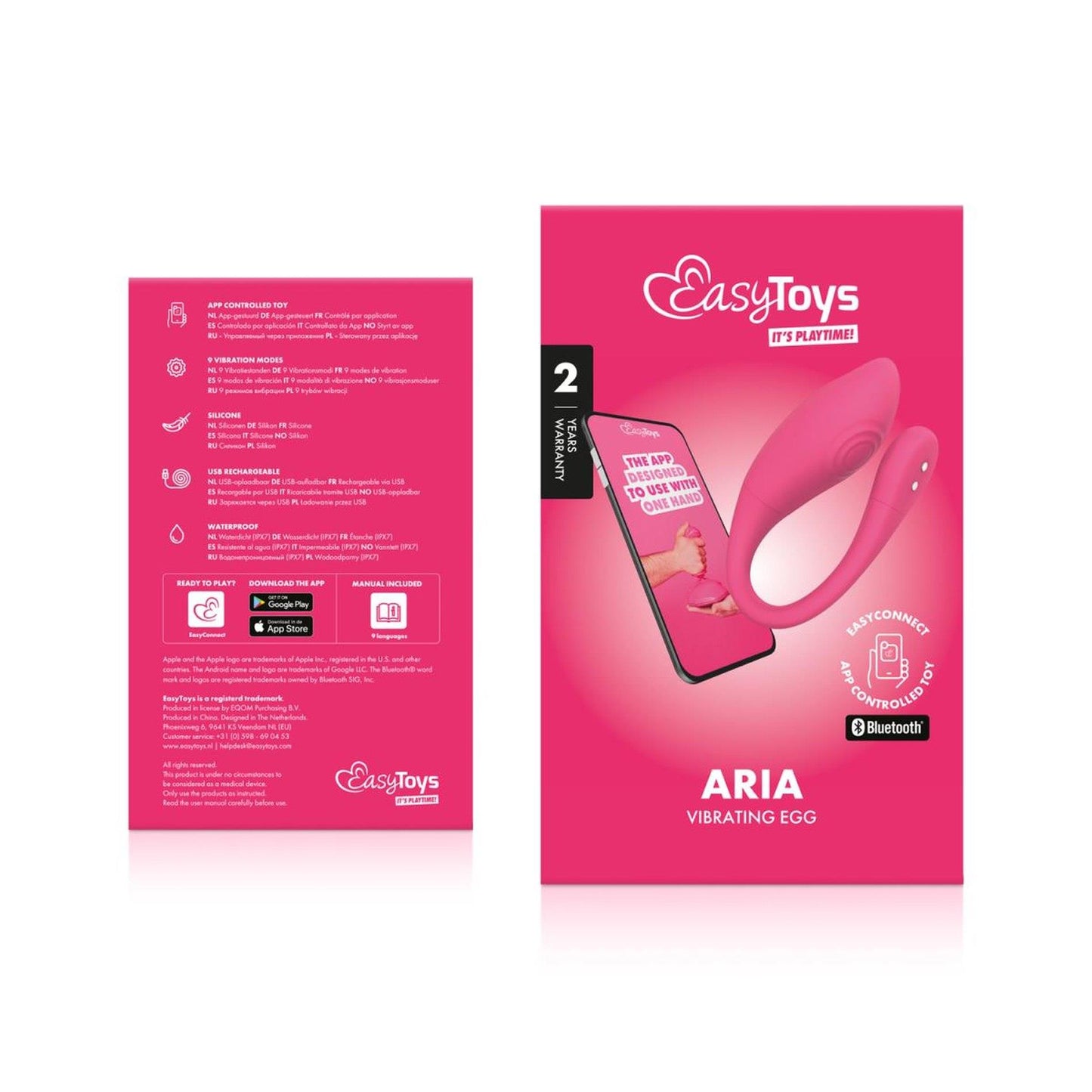
The vibrating egg is perfect for stimulating the G-spot and can enhance overall sexual pleasure. Let your partner control the toy from anywhere in the world using the EasyConnect app and enjoy an exciting evening together. Regular use of the vibrating egg may potentially help strengthen the pelvic floor muscles, and some even experience improved bladder control.
ABOUT EASYCONNECT
All toys from the EasyConnect line can be used with the free EasyConnect app. Here you will unlock several unique features:
Standard patterns
When you open the app, you can start playing right away by choosing one of 9 standard vibration patterns. You can adjust the vibration intensity using the slider.
Create your own vibration patterns
You can fulfill all your wildest dreams with the Free Touch feature. It allows you to adjust the interval and intensity of vibrations and create your own vibration patterns! When you find a pattern you like, you can save it in My Highlights to always experience the most intense climaxes.
Long-distance play
This feature allows you to bridge the distance between you and your partner, wherever you are in the world. It is ideal for couples in long-distance relationships or simply for those who want to experience something new and exciting. By sharing a unique link, your partner can remotely control your toy and take charge of your pleasure.
The toy is equipped with a built-in travel lock, and when you put your phone down during use, the screen will dim so you don’t accidentally change the pattern or intensity.
How to activate the travel lock?
Hold the power button for 2-3 seconds until you feel two short vibrations, indicating that the travel lock has been activated. To test the travel lock, press the power button once. A flashing light will appear twice, signaling that the travel lock is active, preventing accidental vibrations. To deactivate, hold the power button for 2 seconds, feeling two short vibrations confirming that the travel lock is now off.
How to turn on the toy?
Hold the power button for 1 second until you feel a short vibration. This means the toy is on and in standby mode, ready to connect via the app.